Write a Motion Brief for a Free Image to Video Generator No Signup Required
A useful image to video prompt tells the viewer what changes. If your two images already show a coast and a rock, describing the coast again is less useful than explaining how a wave approaches the rock, what the camera does, and where the movement finishes.
This guide introduces SeaImagine’s free tool. Prompt examples and illustrations are suggestions, not generation test results.
Give each part of the prompt a job
Use this four-part structure as a writing aid. Replace the bracketed phrases with visible details from your own images:
[Subject] [action and direction]. The camera [stays fixed or makes one defined movement]. Finish with [visible ending state]. Preserve [important features from the reference images].
Four parts turn an image description into a motion brief: action, camera, finish, and preservation.
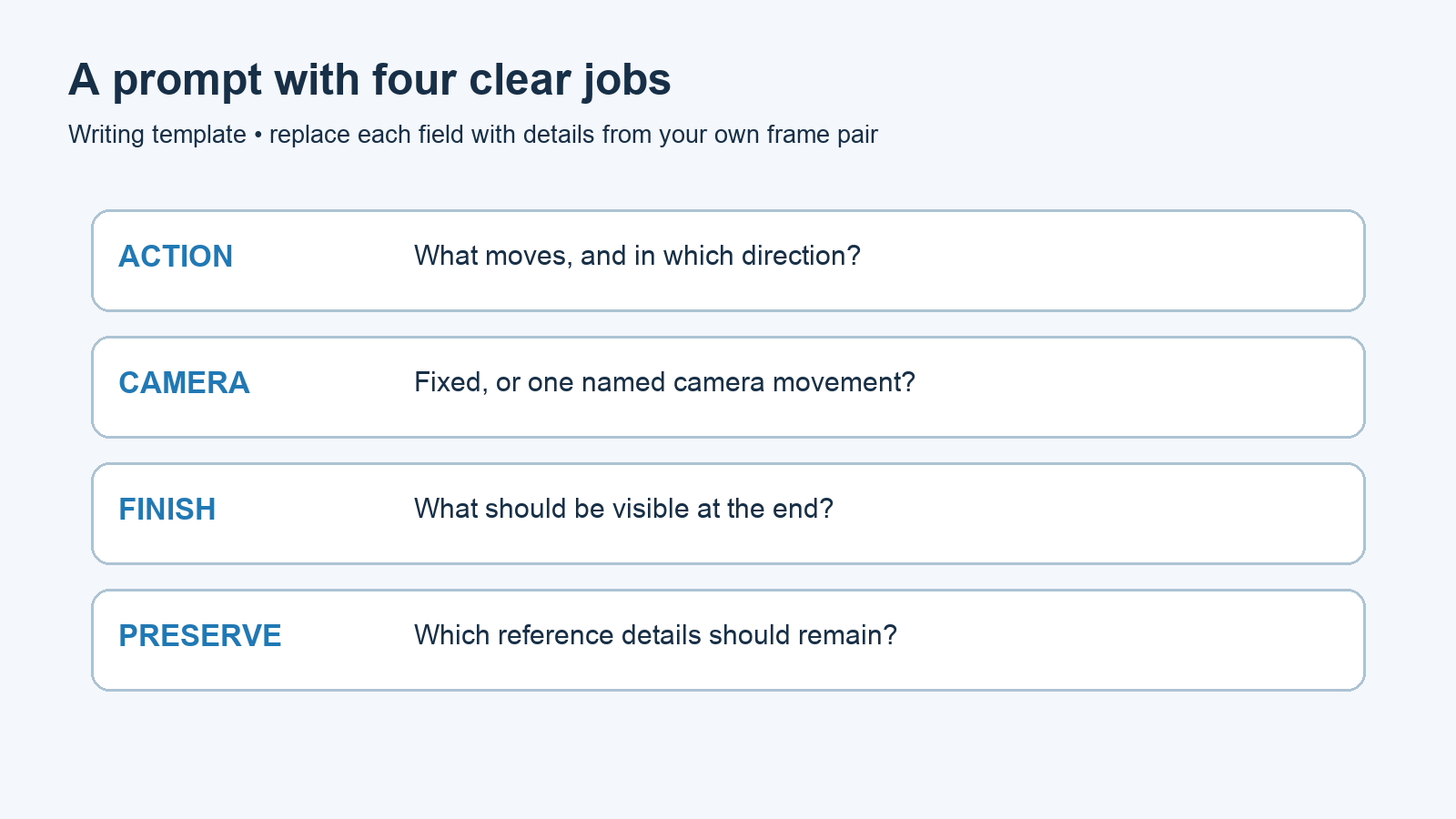
The parts need not be four separate sentences. Their purpose is to catch missing instructions before you generate. “The wave moves” needs a direction. “The camera moves” needs a named movement. “Keep everything consistent” is less specific than naming the rock’s shape and the horizon position.
This structure is an author-proposed way to write and evaluate a brief. It is not a special command format or a claim that the generator will obey every sentence.
Start with a frame pair that supports the action
For the worked example, prepare two matching coastal compositions. In the starting image, the waterline is below a small rock. In the ending image, it has reached the rock’s base. Keep the rock, horizon, viewpoint, and overall light alike.
Now the prompt has one clear job: describe the water’s movement toward the visible ending. A request for the rock to fly away would conflict with an ending image that still shows it in place. If your intended ending differs from your second image, change the image or the intention first.
Rewrite a vague request into something you can inspect
Begin with this deliberately weak draft:
Make an epic cinematic ocean video with beautiful motion.
It expresses a mood without defining a change. Rewrite it as:
A shallow wave moves gently toward the small rock until the water reaches its base, matching the ending frame. Keep the camera fixed. Preserve the rock’s outline, the level horizon, and the pale sky. Finish with the water at the rock’s base.
The revision names the moving water, its direction, and its destination while leaving the rock in place.
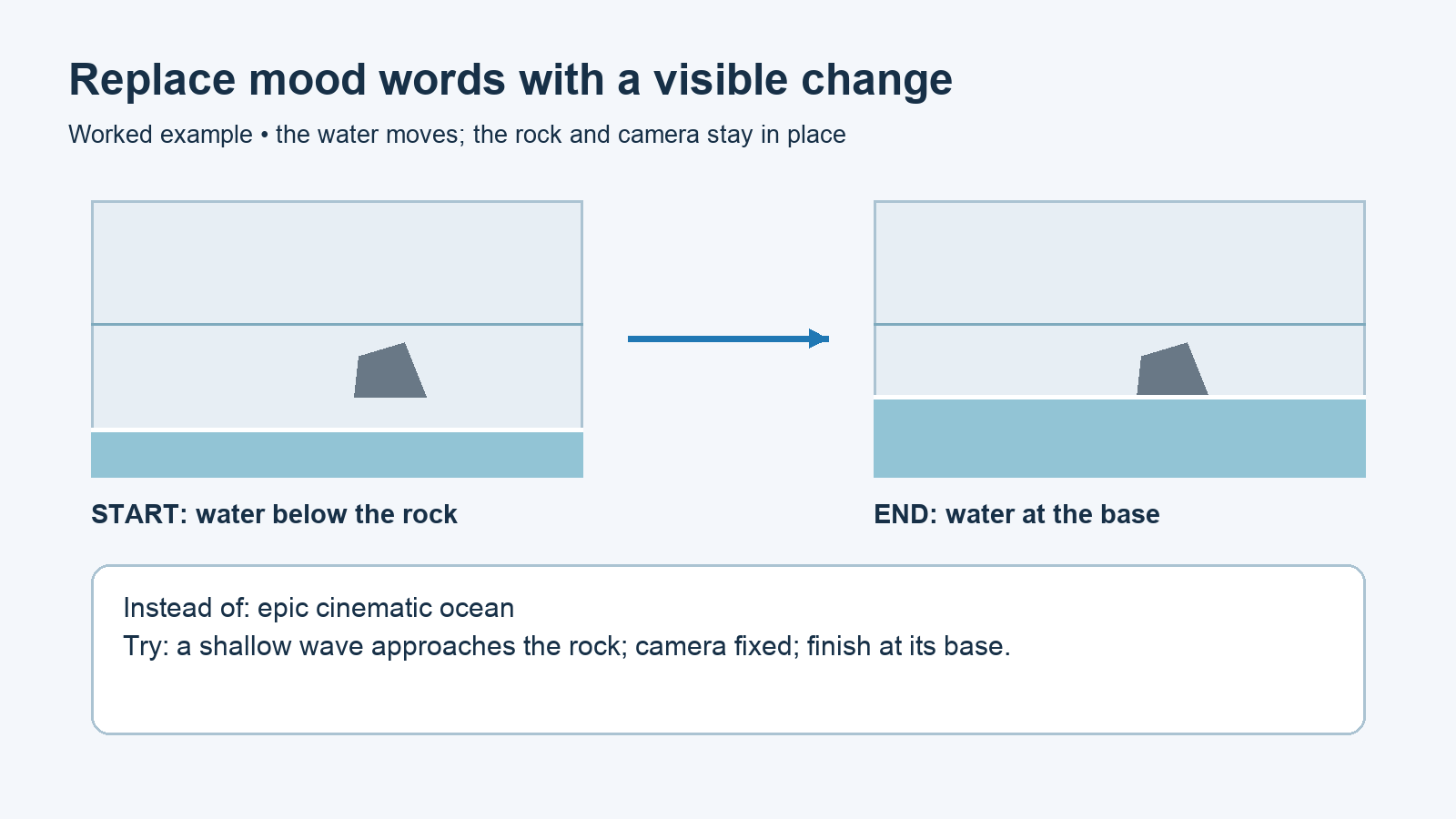
Each edit gives you something to look for. “Toward the small rock” replaces unspecified motion. “Keep the camera fixed” removes an unchosen viewpoint change. “Water at the rock’s base” connects the brief to the second image. The preservation sentence names details you can compare across the actual clip.
A prompt cannot repair a mismatched pair by description alone. If the second image has a different rock or a tilted horizon, address those visible differences before adding more instructions.
Choose one camera instruction
For this pair, a fixed camera lets you concentrate on water movement. If you want to try a different camera approach later, prepare images that support it and replace the fixed-camera sentence with one defined request, such as a slow forward move. Do not ask for a fixed camera and a forward move in the same brief.
Separate camera movement from subject movement in your wording. “Move toward the rock” could refer to either. “The wave approaches the rock; the camera stays fixed” makes that distinction explicit. For a first attempt, omit zooms, pans, and rotations you have no reason to include.
Use the free form with a review question in mind
The SeaImagine page, checked October 13, 2026, describes two endpoint uploads and a free five-second, 480p workflow without registration. Verification is still required, and the free queue can involve waiting.
Upload the coastal start and end images in that order, add the revised brief, and choose a matching aspect ratio. Complete the page’s verification and submit the request. Keep a copy of the exact prompt so you can connect your later observations to what you asked for.
Review the requested change before writing a longer prompt
Play the whole result and answer these questions in plain language:
Did the water move toward the rock, or did another part of the image move instead?
Did the viewpoint stay fixed?
Did the water finish near the rock’s base?
Did the rock’s outline and horizon remain recognizably consistent?
Review each instruction against a visible part of the actual clip.
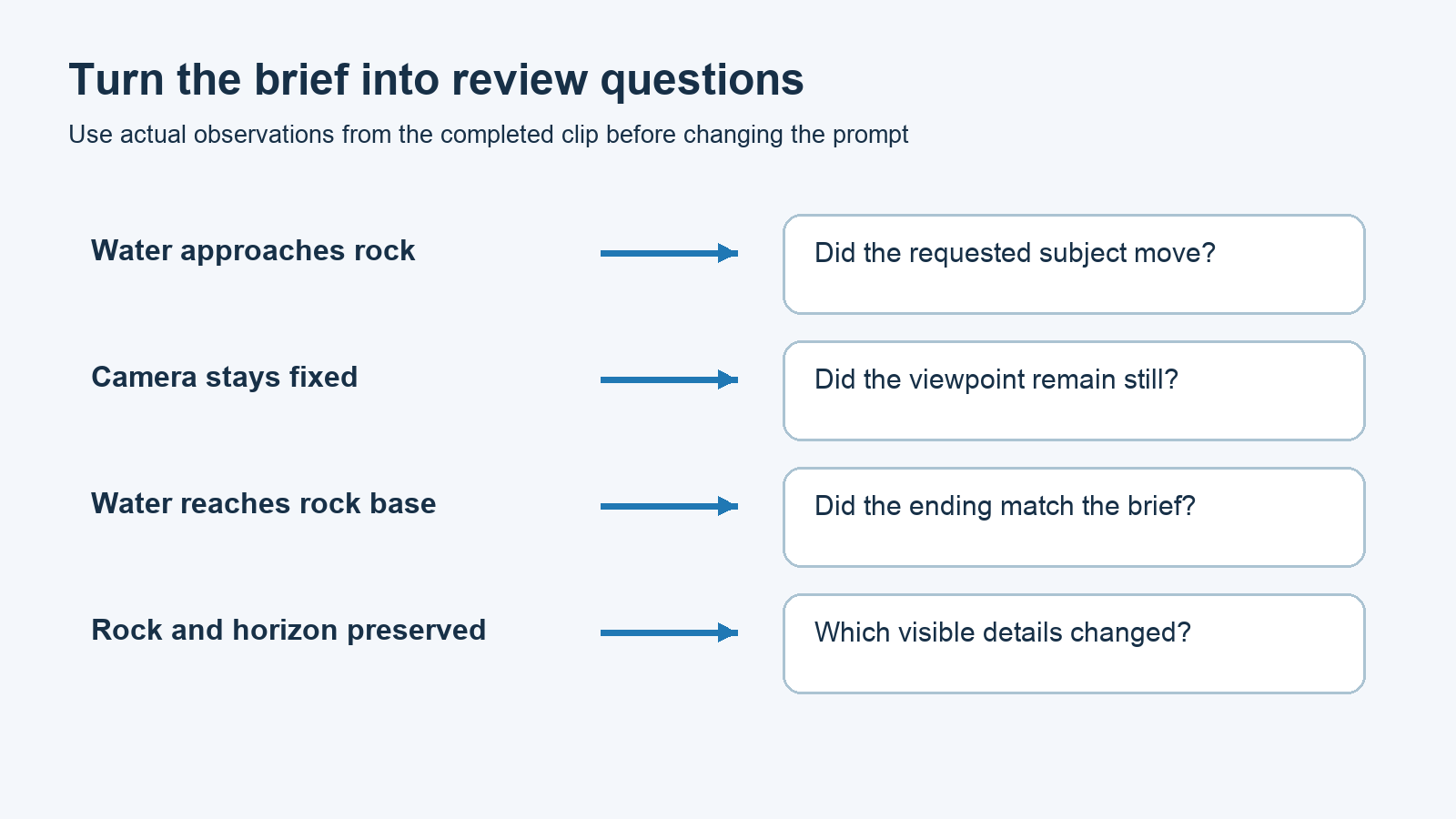
If only the ending is wrong, rewrite the ending instruction first. If the image pair is wrong, change the pair and keep the brief simple. Do not treat every disappointment as a reason to add more adjectives: identify the missing action, conflicting instruction, or mismatched input you can actually address.
The SeaImagine free image-to-video generator is a place to try this coastal brief with your prepared pair. Its role here is to turn the two reference compositions and your motion instruction into a clip you can review; the four-part template remains useful when you write future briefs.
Source
SeaImagine free image-to-video workflow and conditions — checked October 13, 2026. Prompt revisions and diagrams are author-created teaching examples.